
Essay
Aftertype Journal Editions / 2026
From 95 to 100: an accessibility pass on a Ghost theme
Northline shipped at 95 for accessibility. Here is what was actually wrong, what it took to reach 100, and why you should calculate contrast ratios instead of trusting your eyes.

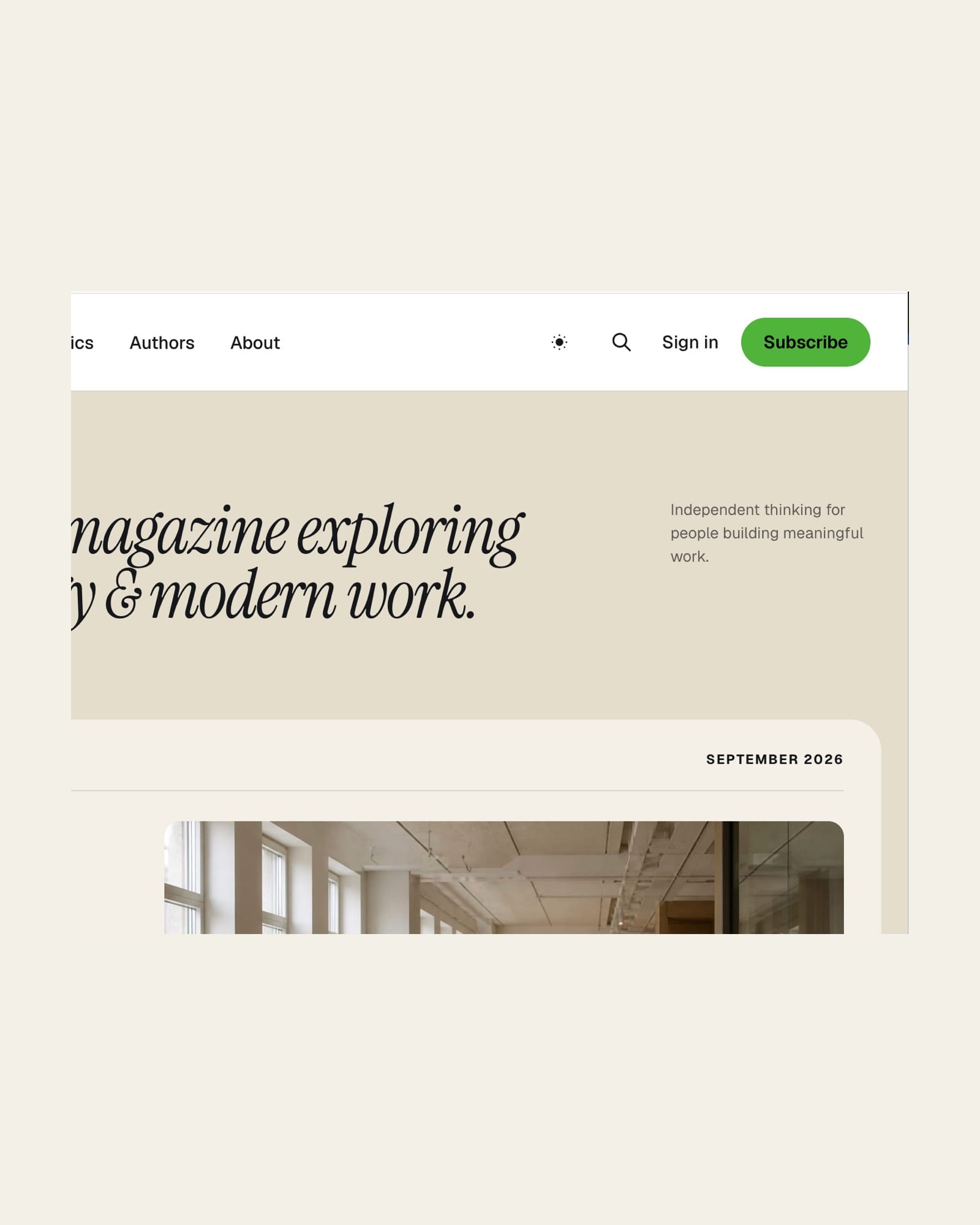
Northline shipped in September with an accessibility score of 95 on the homepage and 94 on a post. Good enough to launch, not good enough to leave alone. This week I went through the theme properly and pushed both to 100.
Here is what was actually wrong, because "95" tells you nothing.
White text on the accent colour. Northline lets you set any accent colour in Ghost Admin. The demo runs a bright green, and the Subscribe button put white text on it at a contrast ratio of 2.67:1. WCAG AA asks for 4.5:1. The fix is not to pick a darker green. The theme now measures the luminance of whatever accent you choose and sets the button text to black or white, whichever passes. On the demo green that means black text at 7.86:1. If your accent is dark, you will not notice a thing.
No skip link. The first Tab landed on the logo, so a keyboard user walked through the entire navigation before reaching the article. There is now a skip link as the first focusable element, and it is translatable.
The focus ring was whatever the browser felt like. Only the theme toggle had a custom one. Every link, button and field now has a visible ring that follows the colour of its context, so it stays visible on the black footer and in dark mode. Filled buttons get an explicit ring colour, because a ring that inherits white text is invisible on a white page.
Text that was too light. Footer labels sat at 4.41:1, placeholders at 2.92:1, meta text at 2.92:1. All darkened, all measured, none estimated.
Targets that were too small. 270 interactive elements measured under 24 CSS pixels across ten pages and two viewports. Now zero. The harder part was doing it without moving anything: every enlarged hit area is compensated so the layout is identical to 1.0.2, verified by comparing page geometry before and after.
Titles over light photos. The Visual Story hero puts a title over the cover image. Under the lightest photo in the demo the title dropped to 2.92:1 in the worst fifth of its own text box. Large text needs 3:1. The overlay is heavier now, measured at 4.00:1 in the same spot, and the smallest change that achieved it won over a larger one that scored worse.
Two things I would tell anyone doing this work. First, calculate contrast ratios, never eyeball them. Half of what looked fine failed, and one thing that looked wrong was already passing. Second, measure the layout before and after. Rounding hides problems: a group of links measured 23.6 pixels and reported as 24.
Northline 1.0.3 is out now. Every update is free for existing owners.
The conversation
Seen it differently?
Questions, corrections and counterpoints all welcome. Theme support goes through the shop, not here.